Your VR headset can do more
EveryVR makes free tools for PC VR. Play your flat PC games in VR, use your desktop without taking the headset off, get more frames per second in VR games, or count the calories a VR session burns. No account needed.
The tools
Each one is its own download and works alone.
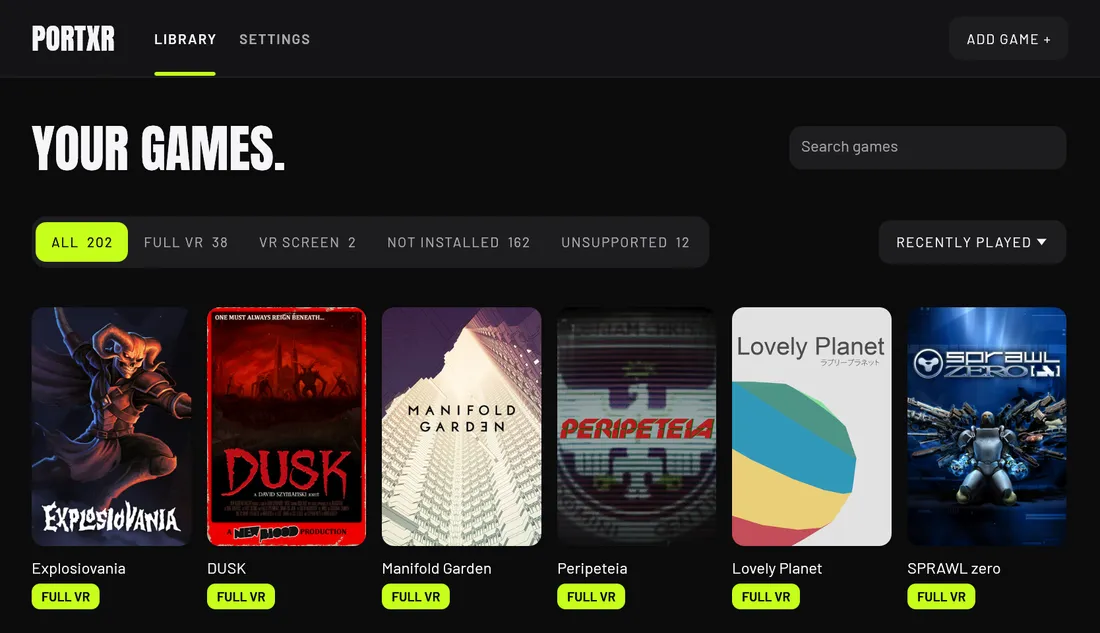
PortXR
Play flat PC games in VR
Pick a Unity, Unreal Engine or Godot game you own and press Play in VR. One click takes it out again.
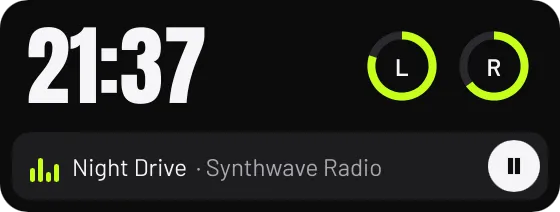
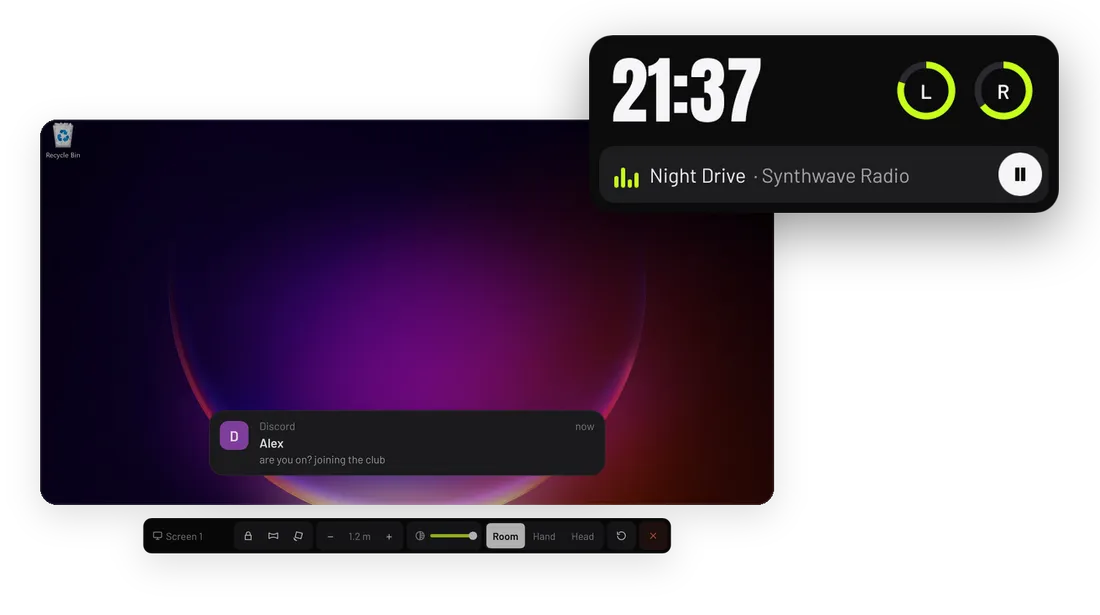
WristXR
VR desktop overlay with wrist clock
Point at your screens and click, type on a two-hand keyboard, glance at your wrist for the time, batteries and music.
FoveaXR
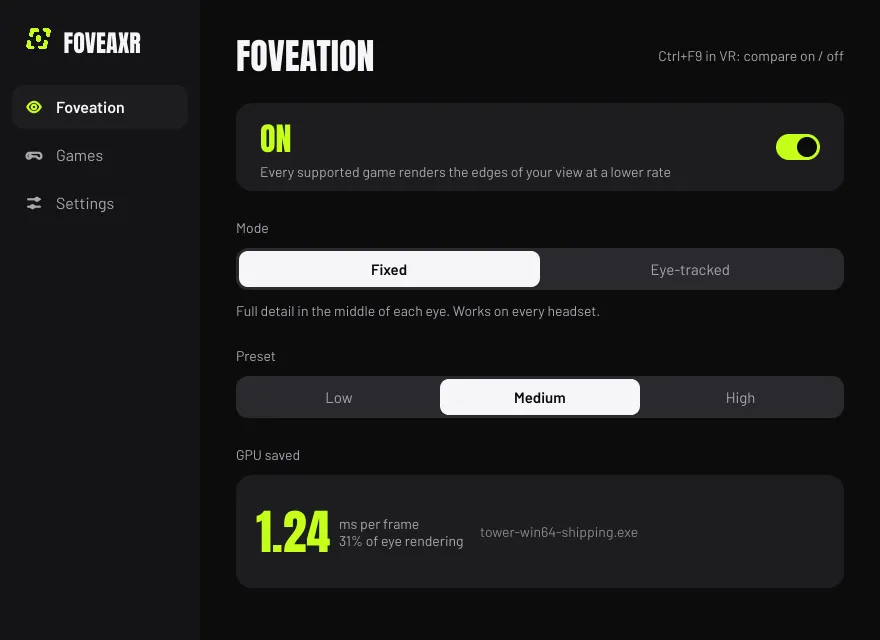
Foveated rendering for any PC VR game
The edges of your view are shaded at a lower rate, so the GPU does less work. Fixed for every headset, eye-tracked where it can be.
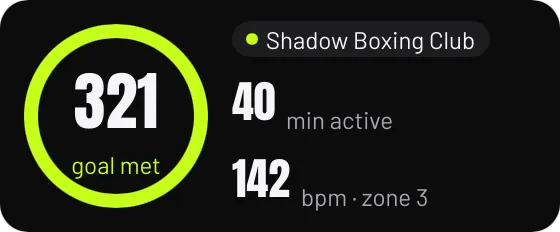
SweatXR
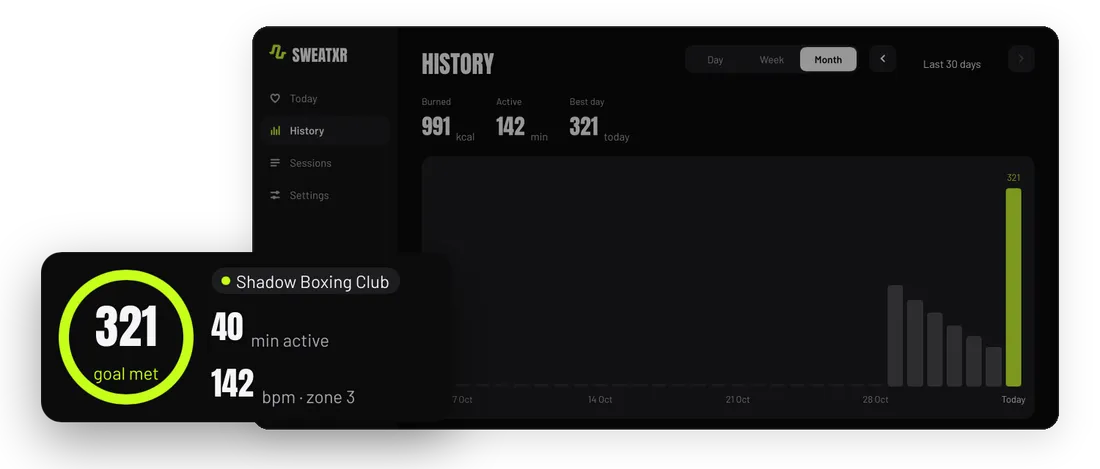
VR fitness and calorie tracker
Calories, active minutes and heart rate on your wrist in any SteamVR game. The history never leaves your computer.
New tools are added when they are ready. To hear about the next one, follow EncidXVII on GitHub, Threads or X.
Every tool keeps the same rules
- Free
- No account, no advertising, no telemetry, no paid tier. Every tool is open source under the GPL-3.0.
- Reversible
- Each tool has an uninstall that puts things back as they were. PortXR restores a game folder byte for byte.
- Single-player
- The tools that work inside games refuse games with anti-cheat. They are for playing on your own.
- Measured
- WristXR shows its own GPU and CPU cost live. FoveaXR shows the GPU time it saves in your game.
From the blog
-
 Godot games in VR: what works on 4.3, 4.0 to 4.2 and Godot 3
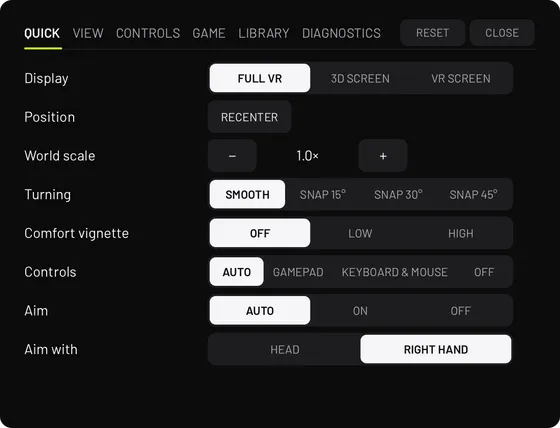
PortXR gives Godot 4.3 and newer games full VR on Direct3D 12, uses the engine's own OpenXR on 4.0 to 4.2, and puts Godot 3 games on a VR screen.
-
 How many calories does VR burn?
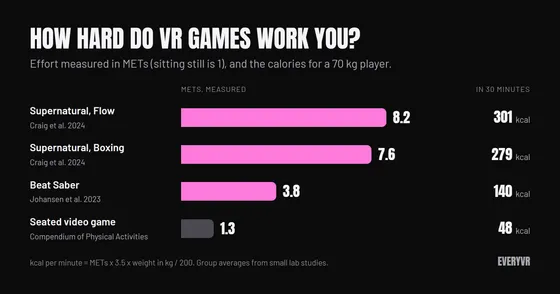
From about 3.8 METs in one Beat Saber study to about 8 METs in a VR boxing and flow workout. How to turn that into calories, and why trackers disagree.
-
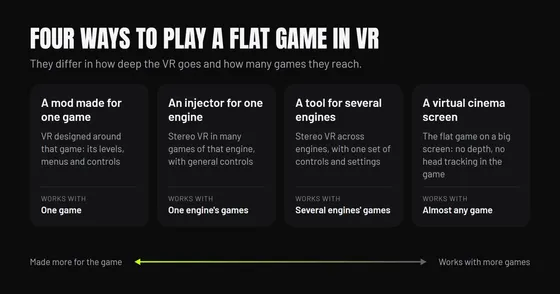 Ways to play a flat game in VR, and when each is best
A mod made for one game, an injector for one engine, a tool for several engines, or a virtual cinema screen: what each gives you and when to pick it.
Questions
What is EveryVR?
EveryVR is a collection of free, open-source tools for PC VR, made by EncidXVII. Each tool fixes one thing, and new ones are added when they are ready to use. The Tools page lists them all.
Who makes EveryVR?
EveryVR is created and maintained by EncidXVII. It is developed in public on GitHub, where anyone can report a bug, test a build or send a fix. Follow EncidXVII on GitHub (EncidXVII), Threads (@encidxvii) and X (@MykolaOP).
Are the tools free?
Yes. Every tool is free and open source under the GPL-3.0. There is no account, no advertising, no telemetry and no paid tier.
Which VR headsets work?
Any PC VR headset: Valve Index, Meta Quest 2, 3 and Pro connected to a PC, HTC Vive, Pico, Bigscreen Beyond and Steam Frame (experimental). WristXR and SweatXR run on SteamVR. PortXR and FoveaXR also work with other OpenXR runtimes, such as Virtual Desktop and Meta Quest Link. Games that run standalone on a Quest are not supported.
Do the tools work on Linux?
Yes, as experimental builds. WristXR runs on X11 and Wayland, SweatXR has Linux and Steam Frame builds, and PortXR and FoveaXR work with games run through Proton. The Linux builds require more testing, so reports from Linux help most.
Can I get banned for using them?
PortXR and FoveaXR change how a game renders, so they refuse games with anti-cheat such as EasyAntiCheat and BattlEye and are meant for single-player games only. WristXR and SweatXR are SteamVR overlays and do not touch game files.
Do I need all of the tools?
No. Each tool is its own download and works alone. They share one look and the same controls where they overlap, so they sit well together.
How do I report a problem?
Open an issue on the tool's GitHub page. A report that says what worked, what did not and on which headset helps the most.